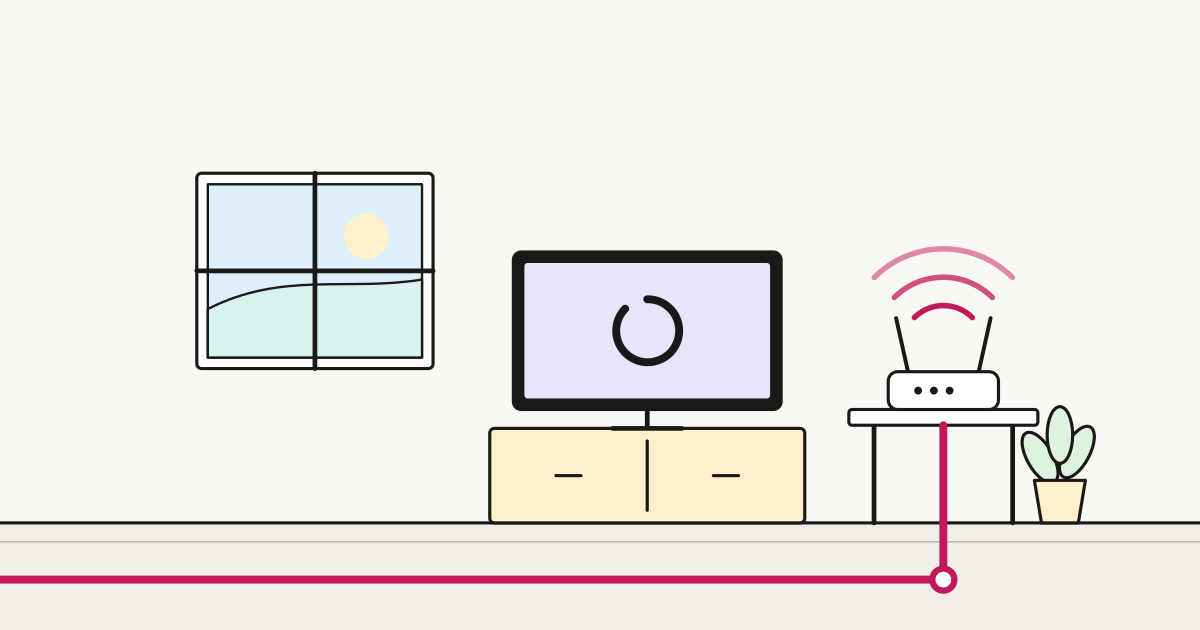
You switch to a cheaper, faster provider. Everything works — browsing, streaming, calls. Then you try to check your security camera from work, and it will not connect. Your NAS is unreachable. The game server your friends joined last month is gone.
Nothing is broken. You are behind CGNAT, and it is one of the least explained changes in consumer broadband.
What it is
The internet ran out of IPv4 addresses. There are about four billion, which was ample in 1981 and is not now.
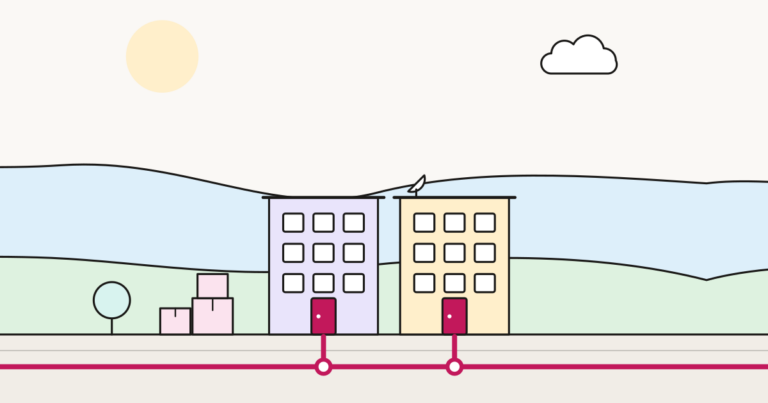
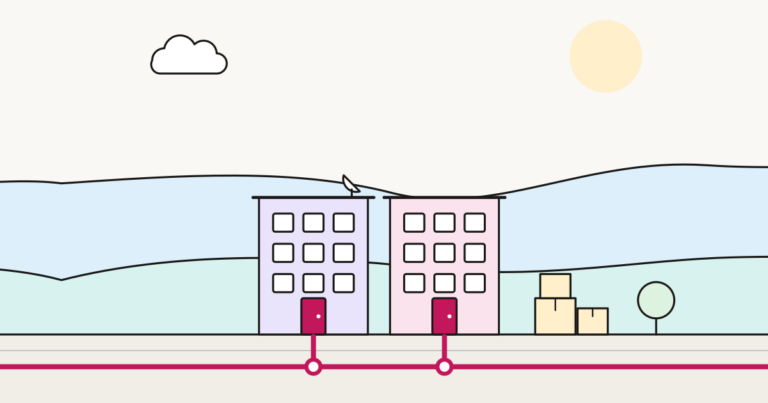
Traditionally your connection got one public address to itself. Under Carrier Grade NAT, your provider shares one public address between many customers, giving each a private one and translating between them.
For ordinary use it is invisible. Connections you start work perfectly — the provider’s equipment tracks that you asked for that page and routes the reply back.
The problem is the other direction. When something outside tries to reach you first, there is nothing to route it to. Your camera does not have an address the outside world can dial.
Why providers do it
Not to annoy you. IPv4 addresses are genuinely scarce and expensive to buy, and a provider adding tens of thousands of customers cannot obtain one per household at reasonable cost.
Altnets and newer providers are more likely to use CGNAT, because they started building after addresses became scarce. Long-established providers with large historic allocations are less likely to.
This is worth knowing when comparing: a cheaper provider may be cheaper partly because of choices like this.
How to tell if you are behind it
Two minutes:
- Search “what is my IP” and note the address shown.
- Log into your router and find the WAN or internet IP address.
If they match, you have a public address and CGNAT is not your problem.
If they differ — particularly if the router shows something in the ranges 100.64.x.x to 100.127.x.x, or 10.x.x.x — you are behind CGNAT. The 100.64.0.0/10 range is reserved specifically for this and is the clearest single indicator.
What stops working
- Port forwarding, entirely. It is the standard fix for remote access and it cannot work here.
- Security cameras and doorbells accessed directly rather than through the manufacturer’s cloud.
- NAS and home servers reached from outside.
- Self-hosted anything — a game server, a home automation dashboard, remote desktop.
- Some VPN servers you run at home. Connecting out to a work VPN is fine.
- Occasionally, peer-to-peer applications and some games, which may connect but perform worse.
What still works fine
Everything most people do. Browsing, streaming, email, video calls, cloud backup, connecting to a work VPN, and any camera or device that connects out to a manufacturer’s cloud service and lets you reach it through their app.
That last point is why most people never notice. Modern consumer devices are largely built to work behind CGNAT because so many connections now are.
Getting round it
1. Ask your provider for a public IP
The simplest fix and frequently free. Many providers will move you off CGNAT on request, or sell a static IP for a few pounds a month.
Ask for: “a public IPv4 address, not behind CGNAT”. Being specific matters — front-line staff sometimes confuse this with a static IP, which is related but not the same. You want a public address; whether it is static is a separate question.
If you need it, ask before you switch rather than after.
2. Use IPv6
Some CGNAT providers give every customer proper IPv6 addresses, which do not need sharing because there are effectively unlimited numbers of them.
If your provider offers IPv6 and your device supports it, remote access can work over IPv6 while IPv4 stays shared. The catch is that the network you are connecting from also needs IPv6, and many mobile and office networks do not — so it works sometimes and not others, which is worse than a clear failure.
3. Use a relay or tunnel service
Various services create an outbound connection from your home to a relay, which you then reach from outside. Tailscale, ZeroTier, Cloudflare Tunnel and similar tools work this way, and because the connection starts from inside your network, CGNAT is irrelevant.
For most people this is the practical answer: free at small scale, no provider involvement, and more secure than opening ports to the internet.
4. Use the manufacturer’s cloud
Most camera and doorbell makers offer this by default. It works, it needs no configuration, and the trade-off is that your video passes through their servers. Whether that trade-off is acceptable is a privacy judgement rather than a technical one.
5. Change provider
Worth it only if remote access is genuinely important and your provider will not offer a public address.
Before you switch: the question to ask
If you host anything at home, ask any prospective provider:
> “Do you use CGNAT on residential connections, and can I get a public IPv4 address? Is there a charge?”
Answers vary widely and the question is not exotic — a competent support team will understand it immediately. Difficulty getting a clear answer is itself informative.
The short version
- CGNAT means your provider shares one public address between many customers.
- Outgoing connections are unaffected; incoming ones cannot reach you.
- Check by comparing “what is my IP” against your router’s WAN address;
100.64.x.xis the giveaway. - Ask your provider for a public IP — often free.
- Otherwise a tunnel service like Tailscale solves it without touching the provider, and is safer than port forwarding anyway.
Sources
- rfc-editor.org — RFC 6598 — the 100.64.0.0/10 shared address space used for CGNAT
- ofcom.org.uk — Ofcom — consumer broadband guidance
- ncsc.gov.uk — NCSC — device security guidance, including exposing services to the internet