Here is the most expensive mistake in home broadband: paying more for a faster package to fix a problem that a faster package cannot fix.
If your speed test says 40 Mbps upstairs on a 500 Mbps connection, the missing 460 Mbps is not being withheld by your provider. It is being lost between your router and your laptop. Doubling what arrives at the router changes nothing about what happens after it.
This is worth ten minutes to diagnose properly, because the fix is usually free or cheap, and the alternative is paying more every month forever for no improvement.
The ten-minute diagnosis
Step 1: test at the router, with a cable.
Plug a laptop directly into the router with an Ethernet cable. Turn Wi-Fi off on that laptop — otherwise you may still be testing Wi-Fi. Run a speed test.
- Close to your advertised speed? Your broadband is fine. Everything below applies to you.
- Well below it? Now you have a genuine line or provider issue worth raising.
That single test separates the two problems, and almost nobody does it before phoning to complain or upgrading.
Step 2: test on Wi-Fi, standing next to the router.
If this is much slower than the cabled test, the problem is the router’s Wi-Fi or your device — not distance.
Step 3: test where you actually use it.
The difference between step 2 and step 3 is your coverage problem, measured.
Why Wi-Fi loses so much
Distance and walls. Wi-Fi weakens fast. Solid brick, stone, concrete and anything with foil-backed insulation are far worse than plasterboard. A Victorian house with thick internal walls can defeat a router two rooms away.
The 2.4 vs 5 GHz trade-off. 5 GHz is much faster but travels less far and penetrates walls poorly. 2.4 GHz reaches further but is slower and far more congested. Most routers publish both and let devices choose, and devices frequently choose badly — clinging to a distant 5 GHz signal instead of switching.
Your neighbours. In a terrace or a block of flats, 2.4 GHz is crowded. Everyone’s router, plus microwaves, baby monitors and Bluetooth, shares the same band.
Old devices. A laptop from 2015 has an older Wi-Fi radio. It will be slow on a gigabit connection no matter what you do to the network, because the limit is in the laptop.
Router placement. The single biggest free improvement available to most households.
Free fixes, in order of impact
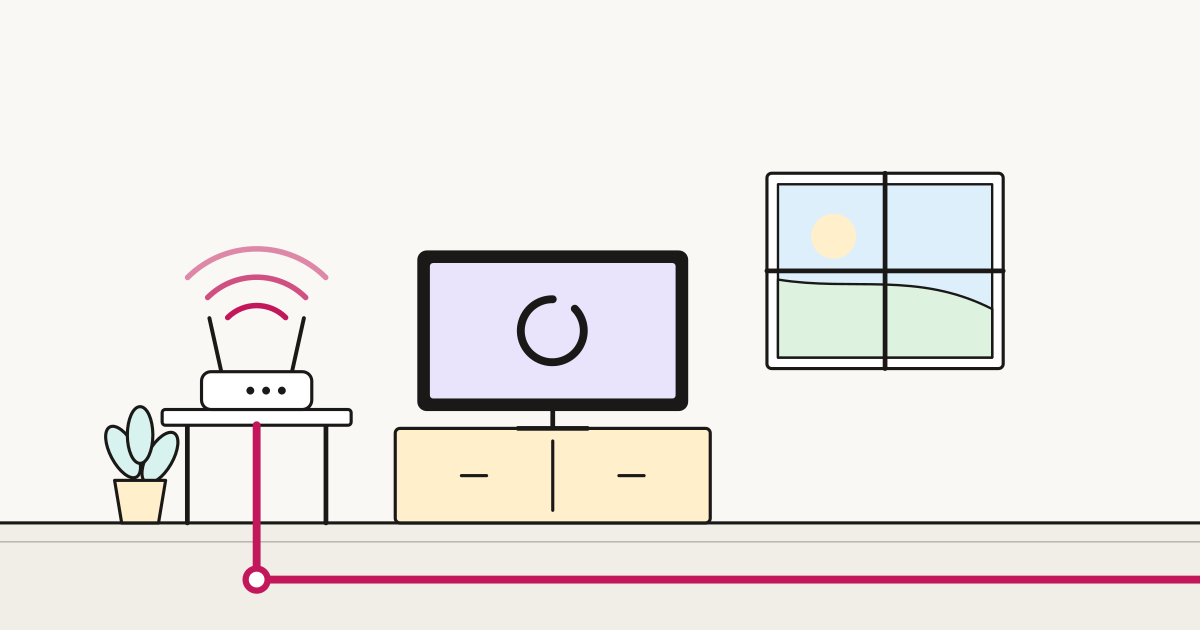
1. Move the router. Central in the house, high up, out in the open. Not in a cupboard, not behind the TV, not on the floor, not next to the microwave.
This is frequently a 2-3x improvement in the far corners of a house and it costs nothing. The obstacle is usually that the master socket is in the hall — see below.
2. Restart it. Genuinely. Routers left on for years accumulate problems and degrade. If a restart helps for a while, the router is failing.
3. Separate the bands. If your router publishes one network name for both bands, splitting them into two (e.g. “Home” and “Home-5G”) lets you choose deliberately: 5 GHz for the laptop near the router, 2.4 GHz for the phone at the end of the garden.
4. Change the channel. On 2.4 GHz, stick to 1, 6 or 11 — they are the only three that do not overlap. Many routers pick automatically and pick badly.
5. Update the firmware. Rarely dramatic, occasionally fixes a real bug.
Fixes that cost money, in order of value
Mesh Wi-Fi (£100-£300). Two or three units that blanket the house with one network, handing devices between them. For anything larger than a small flat, or any house with thick walls, this is the answer. It is the single most effective purchase for coverage problems.
A better router (£80-£200). Provider-supplied routers are built to a price. If yours is several years old and you have a fast connection, a modern router improves range and how well it handles many devices at once. Worth checking first whether your provider will supply a better one free — many will if you ask, particularly at renewal.
Powerline adapters (£40-£80). Send network over your mains wiring to a distant room. Results depend entirely on your house’s electrical circuits — excellent in some, useless in others. Cheap enough to try, returnable if not.
An Ethernet cable (£10). Unglamorous and unbeatable. If your desk or games console has a fixed location, a cable will always be faster and more stable than any wireless upgrade. Running one along a skirting board is a couple of hours of work and permanently solves the problem for that device.
The master socket problem
Wi-Fi improves dramatically when the router sits centrally. The socket is usually in the hall, by the front door, in the worst possible position.
Options, cheapest first:
- Move the router, not the socket. A longer cable from the socket to a better position costs a few pounds. This is the answer most people should take.
- Mesh from where it is, accepting the hall position for the main unit.
- Have the socket moved. Providers will sometimes do this at installation for free, and charge afterwards. If you are having full fibre installed, think about where you want the box before the engineer arrives — it is much easier then than later.
When it really is the broadband
Escalate to your provider when the cabled test is well below what you pay for, especially if:
- it is consistently slow rather than slow at peak times
- it has got worse rather than always being that way
- the router reports a low sync speed on the line itself
Providers must give a minimum guaranteed speed and, under the industry codes of practice, allow you to exit penalty-free if they cannot fix a line persistently below it. That right applies to the line, not to your Wi-Fi — which is exactly why the cabled test matters before you complain.
The short version
- Test with a cable first. Everything depends on that result.
- If the cabled test is fine, no package upgrade will help you.
- Move the router before you spend anything.
- Mesh Wi-Fi is the fix for coverage; a faster package is not.
- One Ethernet cable to the room that matters beats every wireless upgrade.
Sources
- ofcom.org.uk — Ofcom guidance on broadband speeds and in-home Wi-Fi
- ofcom.org.uk — Ofcom UK Home Broadband Performance
- ofcom.org.uk — Ofcom codes of practice on broadband speeds and the right to exit