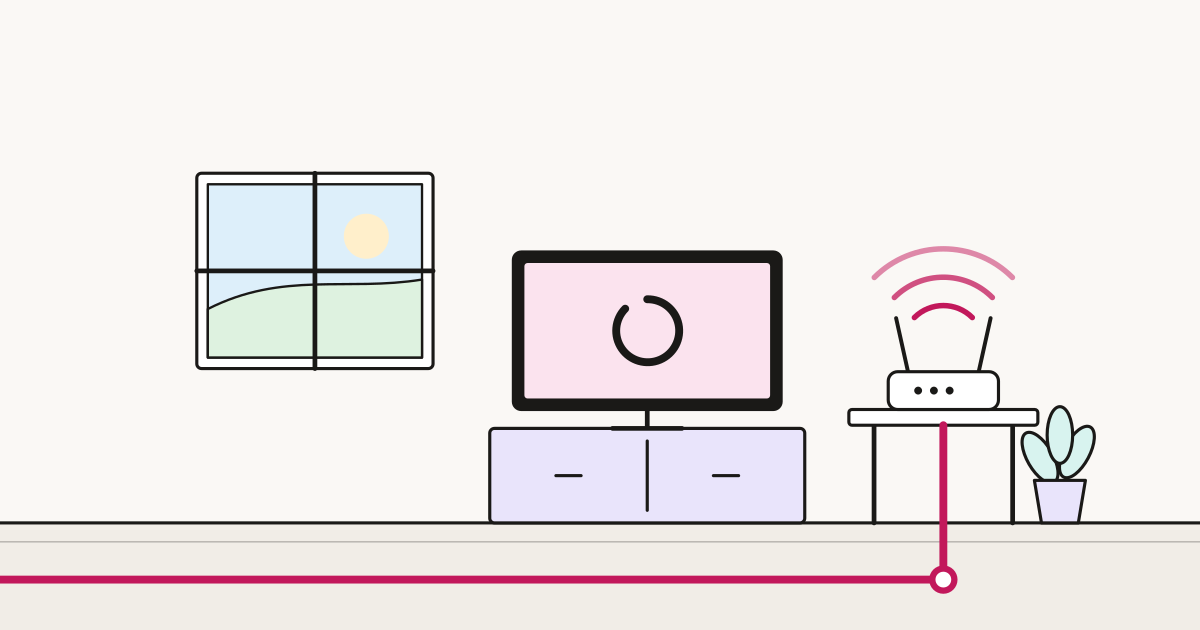
The evening test for any home connection: two people watching different things in 4K, someone on a video call, a console downloading a patch, and three phones doing whatever phones do.
Most households assume the answer is a bigger package. Usually it is not — and understanding what actually breaks first saves you both money and a lot of pointless upgrading.
The arithmetic, which is reassuring
Add up a demanding evening:
| Activity | Download |
|---|---|
| 4K stream | 25 Mbps |
| Second 4K stream | 25 Mbps |
| HD stream | 8 Mbps |
| Video call | 4 Mbps (plus 4 up) |
| Phones and tablets, background | 10 Mbps |
| Running total | ~72 Mbps |
A 100 Mbps connection handles that. A 500 Mbps one is not five times better at it, because nothing is asking for the extra.
The exception is the console downloading a patch, which will take every megabit available. That is what makes the evening feel broken — not the streams.
What actually breaks first, in order
1. Wi-Fi, almost always
More people means more devices competing for airtime, not just bandwidth. A router serving twenty devices in a three-storey house is a coverage and airtime problem, and no package upgrade touches it.
The symptom that identifies this: things are fine in the room with the router and bad elsewhere. If that describes your house, buy mesh Wi-Fi, not more speed. Our Wi-Fi guide has the ten-minute diagnosis.
2. Upload, in call-heavy households
Two people on video calls at once needs 8 Mbps up, plus whatever cloud backup is doing in the background. On an FTTC line with 15 Mbps upload, that is genuinely tight, and the symptom is that you freeze while everyone else looks fine to you.
For a household with more than one home worker, symmetric full fibre is a bigger improvement than doubling download.
3. One device taking everything
The console patch, the cloud backup, the phone syncing three years of photos. A single greedy transfer degrades everything else, and it is the most common cause of “the internet is broken” in a full house.
4. Actual bandwidth
Last on the list, and only in genuinely heavy households — several 4K streams plus large downloads regularly overlapping.
What to do about it
Fix Wi-Fi first. Mesh, better router placement, or a cable to the heaviest fixed device. This solves more household broadband complaints than anything else and costs less than two years of a package upgrade.
Wire the greedy things. Consoles, smart TVs and desktop machines usually live in one place. An Ethernet cable to each takes them off Wi-Fi entirely, which helps them and frees airtime for everything else. Two cables can transform a house.
Use Quality of Service if your router has it. QoS lets you prioritise a device or type of traffic. Prioritising video calls during working hours, or de-prioritising a console, prevents one activity ruining another. Implementation quality varies — some routers do this well, some barely at all.
Schedule the big downloads. Most consoles and computers can download overnight. This single setting removes the most common cause of evening misery.
Then consider more speed. If Wi-Fi is solid, the heavy devices are wired, and it still struggles at peak — now a bigger package is the right answer.
Choosing a package for a full house
100-300 Mbps covers almost everyone. Beyond that you are buying download time, not concurrency.
Prioritise upload if anyone works from home. Symmetric full fibre is the meaningful upgrade for multi-worker households, not a bigger download figure.
Prioritise full fibre over headline speed. Consistency under load is better on FTTP, and consistency is what a busy house actually needs.
Do not pay for gigabit to fix a Wi-Fi problem. It is the most common expensive mistake in this category.
House shares specifically
The technical picture is the same; the human one is not.
One person is liable. Whoever signs owes the whole bill regardless of who leaves. Agree in writing who pays what, and keep the contract no longer than the tenancy — our renting guide covers this.
Split the cost properly. Five people on a £30 connection is £6 each. At that level the difference between a good connection and a cheap one is about a pound a month per person. Buy the better one; it is the cheapest quality-of-life purchase in the house.
Someone should own the router. Not financially — practically. One person who will restart it, know the password, and call the provider. Shared responsibility means nobody does it.
Guest network for visitors and smart devices. Keeps your main password off everyone’s phones.
The one-paragraph version
A busy household usually needs better Wi-Fi and a couple of Ethernet cables, not a faster package. Fix coverage, wire the consoles and TVs, schedule large downloads overnight, and prioritise upload if people work from home. If it still struggles after that, then buy more speed — but check in that order, because the order is roughly cheapest-first and most-effective-first at the same time.
Sources
- ofcom.org.uk — Ofcom — UK Home Broadband Performance and household usage
- ofcom.org.uk — Ofcom — speeds, in-home Wi-Fi and performance guidance
- ofcom.org.uk — Ofcom — consumer guidance