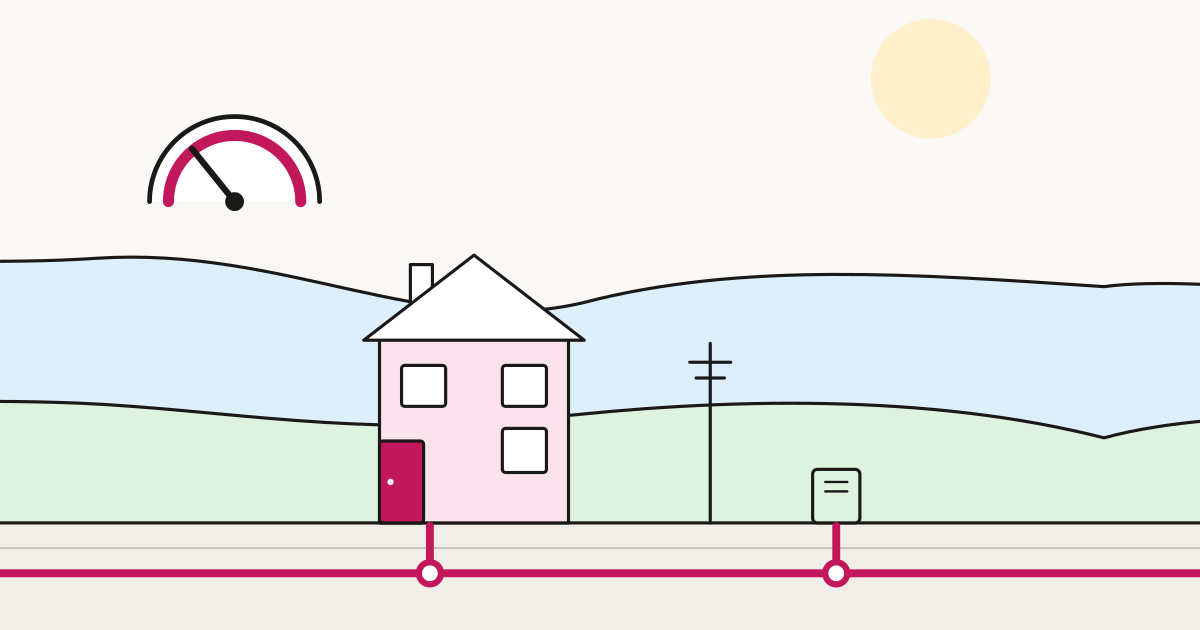
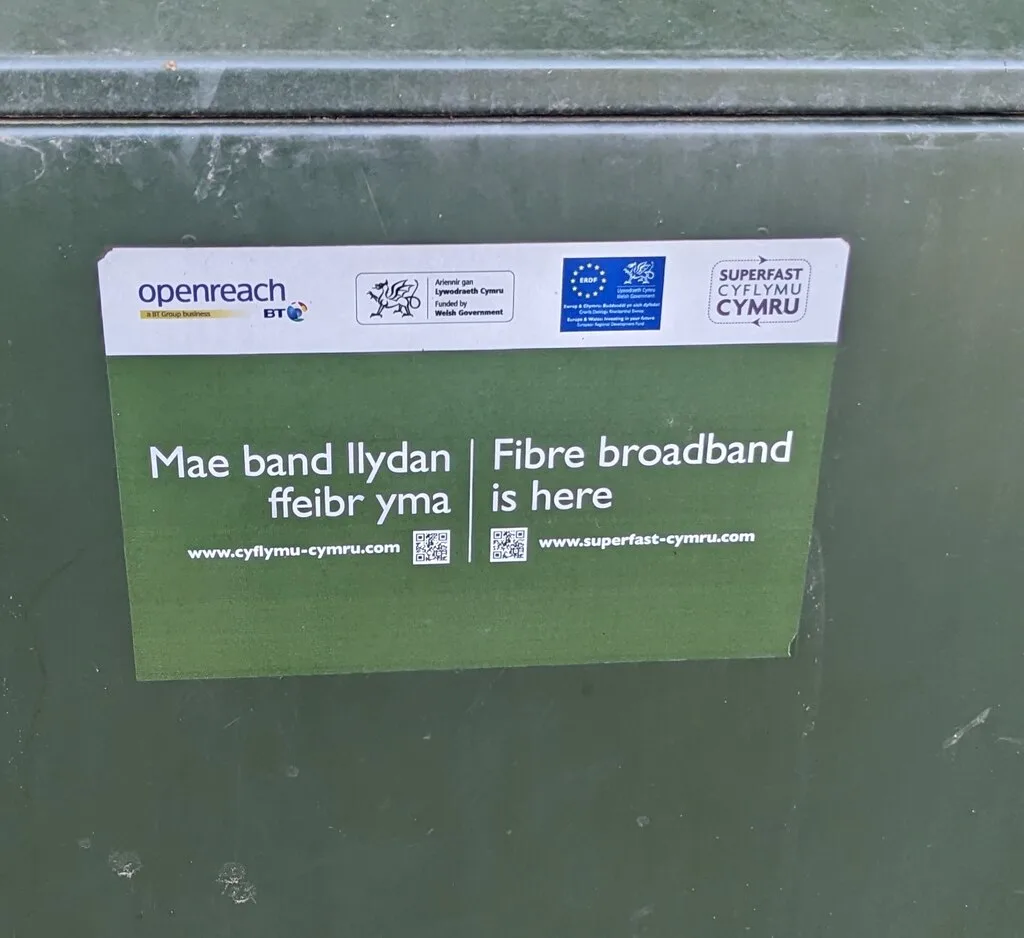
Two houses on the same street, same provider, same package, same advertised speed. One gets 71Mbps. The other gets 38Mbps and drops out whenever it rains hard. Neither household has done anything wrong, and neither is being cheated. They are simply different distances from the same green cabinet, down copper that was laid for telephone calls.
That is the FTTC problem in one sentence. Full fibre removes it — and the reason it feels different day to day has less to do with the headline speed than most advertising suggests.
Figures correct as of August 2026. Broadband prices and speed tiers change monthly; check the provider’s own site before you buy.
The acronyms, in plain English
| Term | What it stands for | What actually reaches your house |
|---|---|---|
| ADSL | Asymmetric Digital Subscriber Line | Copper phone line all the way from the telephone exchange. The oldest surviving broadband. |
| FTTC | Fibre To The Cabinet | Fibre to the green street cabinet, then copper phone line for the last stretch to your door. Uses VDSL2. |
| G.fast | (not an acronym — an ITU standard name) | Same copper last stretch as FTTC, but squeezed harder using higher frequencies. Only ever worked over very short copper runs. |
| FTTP | Fibre To The Premises | Glass fibre from the exchange all the way into your home. Also called “full fibre” or FTTH. |
| Cable / DOCSIS | Data Over Cable Service Interface Specification | Fibre to a local node, then coaxial cable to the property. Virgin Media’s legacy network. |
The one that causes the confusion is FTTC. It contains fibre, so it was marketed as “fibre broadband” — and in November 2017 the Advertising Standards Authority concluded that using “fibre” to describe part-fibre services was unlikely to mislead consumers. CityFibre challenged that decision by judicial review and lost in the High Court in 2019. The upshot is that an entire generation of UK customers bought something called “fibre broadband” that ends in a copper telephone wire.
Two other advertising rules matter here. Since 23 May 2018, CAP and BCAP have required that numerical speed claims in residential broadband ads be achievable by at least 50% of a provider’s customers at peak time — Ofcom defines peak as 8pm to 10pm — and be described as an average speed rather than “up to”. That is why an Openreach gigabit package is sold as roughly 900Mbps average and not 1000Mbps. When you see “average speed 900Mbps”, read it as: at least half of customers get at least that during the busiest two hours of the evening.
Why copper degrades — and why your neighbour’s speed is different
Copper carries broadband as high-frequency electrical signals, and physics is unkind to it in four separate ways.
Distance attenuation. VDSL2 uses a wide band of frequencies, and the highest frequencies — the ones carrying most of the speed — fade fastest along the wire. Speed therefore falls with the length of the copper between the cabinet and your master socket. This is the single biggest factor in FTTC performance, and it is why the estimate your provider gives you is a range rather than a number. A copper run of a couple of hundred metres can hold near the maximum. A kilometre cannot.
Crosstalk. Your pair of wires runs in a bundle with dozens of your neighbours’ pairs, each radiating a little interference into the others. The more of them are using VDSL2 at the same moment, the more noise your line sees, and the more it has to back off to stay stable. Vectoring cancels some of this, but not all.
Water and corrosion. This produces the classic “it’s worse when it rains” complaint, and it is entirely real. Moisture gets into old underground joints and damaged cable sheathing and corrodes the copper. The resulting high resistance faults are a well-documented category on the Openreach network: joints that still pass a voice call perfectly well but perform badly for DSL, and which can appear to clear themselves temporarily. Openreach has run dedicated diagnostic programmes to catch them, because standard line tests kept reporting “no fault found” while customers watched their speed collapse.
Electrical noise. Copper is an antenna. Lightning, poor power supplies, some LED lighting and nearby equipment all inject noise. The line management system responds by cutting your speed to keep the connection stable — often for good, until something resets it.
None of these apply to glass fibre. Light does not care about your neighbour’s line, water in a joint does not corrupt an optical signal in the same way, and there is no meaningful attenuation problem across the loop lengths used in a residential FTTP network.
Reliability is the real argument, not speed
Most FTTC-versus-FTTP articles compare two numbers and stop. The more useful comparison is how often the thing breaks.
The evidence available publicly is consistent in direction, if not in exact magnitude:
- Openreach told investors in December 2023 that FTTP fault rates were, on average, 60% lower than on copper broadband lines. In the same briefing it reported that during recent storms, fault reports rose by around 10% on copper broadband lines but less than 1% on FTTP (reported by ISPreview, January 2024).
- Ofcom’s discussion paper for the Hull Area Telecoms Access Review (November 2025) found that over the preceding three years, for both KCOM and Openreach, the fault rate per 1,000 connections on their copper access networks (ADSL/VDSL) was around 50% higher than on their respective FTTP networks.
- Openreach’s own consumer marketing cites the National Infrastructure Commission for the claim that full fibre has five times fewer faults than copper.
Treat the exact percentages with care — they measure different things over different periods, and the largest number comes from the party with the most to gain. But the mechanism is not in dispute. An FTTP line has fewer things in it that can fail: no cabinet electronics doing active signal processing on a degradable medium, no corroding copper joints, no crosstalk from the neighbours, no weather sensitivity worth speaking of.
A second effect shows up in daily use rather than in fault statistics. On a marginal FTTC line, the line management system quietly reduces your sync speed after instability and often leaves it there for days. Full fibre has no equivalent behaviour: the speed you get in month six is the speed you got on day one.
Upload speed: the most under-appreciated difference
Download speed is what gets advertised. Upload speed is what you notice when it is missing.
FTTC is asymmetric by design. Openreach’s current FTTC tiers pair 40Mbps downstream with 10Mbps up, 55Mbps with 10Mbps up, and the top 80Mbps tier with 20Mbps up — and that 20Mbps is a ceiling, subject to all the same distance and noise penalties as the download side. (The old 40/2 tier was withdrawn from new sale on 24 April 2025, though existing lines still run on it.)
Openreach’s FTTP is also asymmetric, though far less brutally so: retail gigabit packages on Openreach are typically advertised with an average download of around 900Mbps against an average upload of around 110Mbps. Virgin Media’s cable network is asymmetric too — its Gig1 upload was raised from 52Mbps to 104Mbps in May 2023.
Many alternative networks do something different. Because they build XGS-PON from scratch rather than inheriting plant designed for television or telephony, they can offer symmetric speeds. Highland Broadband advertises 150, 500, 1000 and 5000Mbps tiers with matching upload and download, from £29.99 a month on 24 months, with a stated £4 step-up each year from 2027 (its own site, August 2026). Gigaclear advertises Ultrafast 300, Hyperfast 600 and Hyperfast 900 as symmetric average speeds, at £19, £24 and £29 a month on an 18-month minimum term (its own site, August 2026). Community Fibre builds on the same principle.
What upload actually affects
| Activity | Why upload matters |
|---|---|
| Video calls | Your camera feed is upload. Zoom recommends 3.8Mbps upstream for 1080p group video. Three people on calls at once on a 20Mbps FTTC line is genuinely tight. |
| Cloud backup and photo sync | 200GB of family photos over a 20Mbps upload takes roughly a full day of continuous transfer. Over symmetric 500Mbps it is under an hour. |
| Working from home | VPNs, screen sharing, pushing code, uploading large design or CAD files. |
| Home CCTV | Cameras uploading continuously to the cloud consume upload all day, every day, and eat into everything else. |
| Sending large files | Video, RAW photos, architectural drawings — anything you attach or drop into a shared folder. |
| Online gaming | Low bandwidth, but very sensitive to a saturated upload path, which is why gaming feels awful while someone else is backing up. |
That last point deserves emphasis. Saturating your upload degrades your download experience too, because the acknowledgements your device sends back get stuck in the queue. A congested 20Mbps upload is the most common cause of “the internet is broken” in an otherwise healthy household.
Latency and jitter matter more than headline speed
Latency is the round-trip delay for a packet, measured in milliseconds. Jitter is how much that delay varies from moment to moment. For a video call, a voice call or a game, both matter far more than raw megabits.
Ofcom’s last annual UK home broadband performance report (published September 2023 — Ofcom said at the time it would be the final edition) put ADSL latency at around 24ms, with full fibre generally below 8ms; Virgin Media’s cable network measured slightly worse than FTTC. The same report put the median UK download speed at 69.4Mbps and the median upload at 18.4Mbps, up from 59.4Mbps and 10.7Mbps the year before.
You do not consciously perceive the difference between 24ms and 8ms on a web page. You perceive it as the awkward overlap when two people start talking at once on a call, and as the difference between an input registering when you press the button and a moment later.
Jitter is where copper really loses. A stable fibre line delivers a consistent delay; a copper line fighting crosstalk and noise delivers a variable one, and variable delay is what makes a video call go blocky and robotic even when a speed test says the connection is fine.
The Openreach ladder, and the “stop sell” rule
Openreach’s published FTTP speed tiers — the ladder set on 1 April 2024 and still current in the price list effective 1 February 2026 — run: 40, 80, 115, 160, 220, 330, 550, 1000, 1200 and 1800Mbps downstream. Pilot pricing has been published for 3.3Gbps (November 2025) and up to 8500Mbps (January 2026), with the pilot start moved to 23 March 2026. CityFibre launched an 8.5Gbps wholesale product in March 2026, and Netomnia’s wholesale platform is 10Gbps XGS-PON with a 99.99% uptime SLA.
Alongside that ladder sits the stop sell. Once an exchange area passes a threshold of full fibre coverage, Openreach stops accepting new orders and most changes on copper products there, so if you are shopping in a full fibre area today the copper option may simply not appear.
Running behind it is the PSTN switch-off: Openreach’s analogue telephone network closes on 31 January 2027, a date it said in June 2026 will not move again. Be clear about what that does and does not mean. It ends the analogue phone service, so a landline has to become digital voice over your broadband connection. It does not switch off FTTC broadband — an FTTC line without a phone service carries on as SOGEA at the same speeds. Retiring the copper itself is a separate, slower programme tied to Openreach’s exchange exits, with further closures announced from 2030 onwards. So the pressure to move is real, but the deadline in the headlines is a voice deadline, not a broadband one.
Check the price-rise schedule before you sign
Since Ofcom’s General Condition C1 came into force on 17 January 2025, providers may no longer write inflation-linked or percentage mid-contract rises into new consumer contracts. They must state a Core Subscription Price in pounds and pence, plus the exact monetary increase and the date it takes effect. Fixed monetary rises are still allowed — they just have to be spelled out.
So the steps are now printed on the sales page. Three home broadband, from its own site in August 2026, advertises £22.00 a month rising to £24.30 from April 2027 and £26.60 from 1 April 2028. Hey!Broadband advertises £23.00 a month until April 2027, then £25.00, then £27.00 from April 2028. (Market examples of how the rules read on the page, not offers from us.)
Add the steps up across the whole term before comparing two deals. A cheaper headline price with steeper steps often loses over 24 months.
How much speed do you actually need?
Genuinely: less than you think. Netflix asks for 3Mbps or higher for HD, 5Mbps for 1080p and 15Mbps for 4K. Zoom recommends 3.8Mbps upstream for 1080p group video. These requirements are per stream, and they have barely moved in years.
The table below is our guidance rather than a published standard, built from those figures with realistic simultaneous use assumed.
| Household | Typical simultaneous use | Sensible download | Upload that matters |
|---|---|---|---|
| 1–2 people, browsing, one TV | One 4K stream, some browsing | 50–100Mbps | 20Mbps is workable |
| 2–3 people, one working from home | 4K stream + a video call + phones | 100–150Mbps | 20Mbps is the pinch point; more is a real upgrade |
| Family of four, two working from home | Two calls, two streams, cloud backup, consoles | 150–300Mbps | 50Mbps+, symmetric if available |
| Heavy uploaders — video, photography, CCTV, large file transfer | Continuous upload alongside everything else | 300Mbps+ | This is the case where symmetric genuinely pays |
| Everyone else considering gigabit | — | You are buying headroom, not need | Buy it for the upload, not the download |
For most households, moving from FTTC to a 150Mbps full fibre package delivers almost all of the perceptible improvement, and moving from there to gigabit delivers very little of it. The gain is in the upload, the latency and the fact that it stops breaking. If a gigabit tier costs a couple of pounds more than a 500Mbps tier, take it. If it costs fifteen, do not.
What installation actually involves
An FTTP install is a real engineer visit, not a router in the post.
Openreach’s guidance is that most installations take between one and four hours, depending on the property and how the fibre has to be routed, and that someone over 18 must be present to give access and agree where equipment goes. The fibre is run from a nearby pole or underground duct to a small junction box on your outside wall, then brought inside — usually through a small hole drilled through the wall. Inside, the engineer fits an Optical Network Terminal (ONT): a small white box that converts the optical signal and gives your router an Ethernet port to plug into.
Two practical points. The ONT and your router need to sit together near a double power socket, so decide in advance where that should be — the position is fixed once it is on the wall, and burying it in an under-stairs cupboard will hobble your Wi-Fi for years. And alternative networks follow broadly the same process on their own infrastructure, several including standard installation free: Hey!Broadband, for example, advertises a free router and standard install described as worth over £150 (its own site, August 2026).
If FTTP has not reached your street, the remaining questions are whether an alternative network is building nearby, and whether fixed wireless or satellite bridges the gap — a different article.
Affiliate disclosure: broadband.click earns a commission if you buy through some of the links on this site. It does not change what you pay, and it does not decide what we recommend. We are not a whole-of-market comparison service — our coverage is focused on full fibre networks and regional providers, and several large national brands are not available through us. Always check availability and current pricing on the provider’s own site.
Frequently asked questions
Is FTTC actually fibre broadband?
Partly. FTTC uses fibre from the exchange to the green street cabinet, then your existing copper telephone line for the final stretch. The Advertising Standards Authority concluded in November 2017 that calling it “fibre” was unlikely to mislead consumers, and the High Court upheld that in 2019. Only FTTP — fibre to the premises — is glass all the way into your home.
Why is my FTTC speed lower than my neighbour’s?
Because your copper run from the cabinet is longer. VDSL2 loses its highest frequencies fastest along the wire, so speed falls with distance. Crosstalk from neighbouring lines, corroded joints and electrical noise all reduce it further. Two houses on one street can be several hundred metres apart in copper terms even if they look adjacent.
Is full fibre really more reliable, or is that marketing?
Both the operators and the regulator point the same way. Openreach reported FTTP fault rates 60% lower than copper broadband in December 2023, with storm-driven fault reports up around 10% on copper but under 1% on FTTP. Ofcom’s November 2025 Hull review paper found copper fault rates around 50% higher than FTTP for both KCOM and Openreach.
What does upload speed actually affect?
Everything you send rather than receive: your camera feed on video calls, cloud photo and file backup, VPN and screen sharing for work, home CCTV uploading continuously, and sending large files. FTTC tops out at 20Mbps upload. Saturating that also degrades your downloads, which is why the connection feels broken while someone is backing up.
Do I need a gigabit package?
Probably not for download. Netflix asks 15Mbps for 4K and Zoom recommends 3.8Mbps upstream for 1080p group video, so a 150Mbps full fibre line covers most households comfortably. Buy a faster tier for the upload speed and the headroom, not the headline number — and only if the price gap is small.
How long does full fibre installation take?
Openreach says most installations take between one and four hours, and someone over 18 must be present. The engineer runs fibre from a pole or duct to a small box on your outside wall, drills a small hole to bring it in, and fits an Optical Network Terminal indoors next to your router. Plan where that equipment should live beforehand.
Sources
- openreach.com — Openreach: “five times fewer faults” attributed to National Infrastructure Commission; weather resilience claim
- openreach.com — Openreach qualitative reliability claims
- ispreview.co.uk — FTTP fault rates 60% lower; storm fault reports c.10% copper vs <1% FTTP; Openreach Dec 2023 investor briefing
- ofcom.org.uk — Ofcom Nov 2025: copper fault rate per 1,000 connections ~50% higher than FTTP for KCOM and Openreach — verified via search result summary; ofcom.org.uk returns HTTP 403 to automated fetch
- ispreview.co.uk — median download 69.4Mbps, upload 18.4Mbps; ADSL latency ~24ms, FTTP generally below 8ms; Virgin HFC slightly worse than FTTC; last annual Ofcom speeds report
- asa.org.uk — ASA Nov 2017 conclusion on “fibre” terminology
- asa.org.uk — CityFibre judicial review dismissed, High Court
- asa.org.uk — broadband speed claims guidance in force 23 May 2018; CAP announcement 23 Nov 2017
- thinkbroadband.com — Openreach FTTC tiers incl. 40/10, 55/10, 80/20; speed depends on line length to cabinet) — accessed via search result summary, direct fetch returned 403
- ispreview.co.uk — 40/2Mbps FTTC tier withdrawn from new sale 24 April 2025; 40/10 retained
- ispreview.co.uk — Openreach June 2026: 31 Jan 2027 date will not move again; no single-day cutover
- openreach.com — BT/Openreach retail gigabit advertised as 900Mbps average download / 110Mbps average upload — cross-checked against BT Full Fibre 900 retail listings, August 2026
- thinkbroadband.com — high resistance faults caused by water/moisture/corrosion; pass voice but degrade DSL) — accessed via search result summary
- openreach.com — Openreach FTTP speed tier ladder, prices correct as at 1 February 2026
- openreach.com — install 1-4 hours; over-18 must be present; ONT fitted indoors; small hole drilled
- openreach.com — PSTN switch-off 31 January 2027
- news.virginmediao2.co.uk — Gig1 upload 52Mbps to 104Mbps, announced 23 May 2023
- highlandbroadband.com — symmetric 150/500/1000/5000Mbps tiers; Essential 150 £29.99/mo, 24 months; stated £4 annual step-up from 2027 — fetched August 2026
- gigaclear.com — Ultrafast 300 £19/mo, Hyperfast 600 £24/mo, Hyperfast 900 £29/mo, symmetric average speeds, 18-month minimum term — fetched August 2026. NB the 600Mbps package is branded “Hyperfast 600”, not “Ultrafast 600”
- ispreview.co.uk — and reporting of nexfibre’s agreed £2bn acquisition of Substantial Group (Netomnia/YouFibre/Brsk), February 2026 — reason YouFibre was CUT from the list of independent altnets offering symmetric speeds
- help.netflix.com — Netflix: 3Mbps HD, 5Mbps 1080p, 15Mbps 4K
- support.zoom.com — Zoom: 3.8Mbps up / 3.0Mbps down for 1080p group video